High-performance native app for Android. Empower parents with real-time updates, enable teachers to manage classes on the go, and give students a modern learning interface.
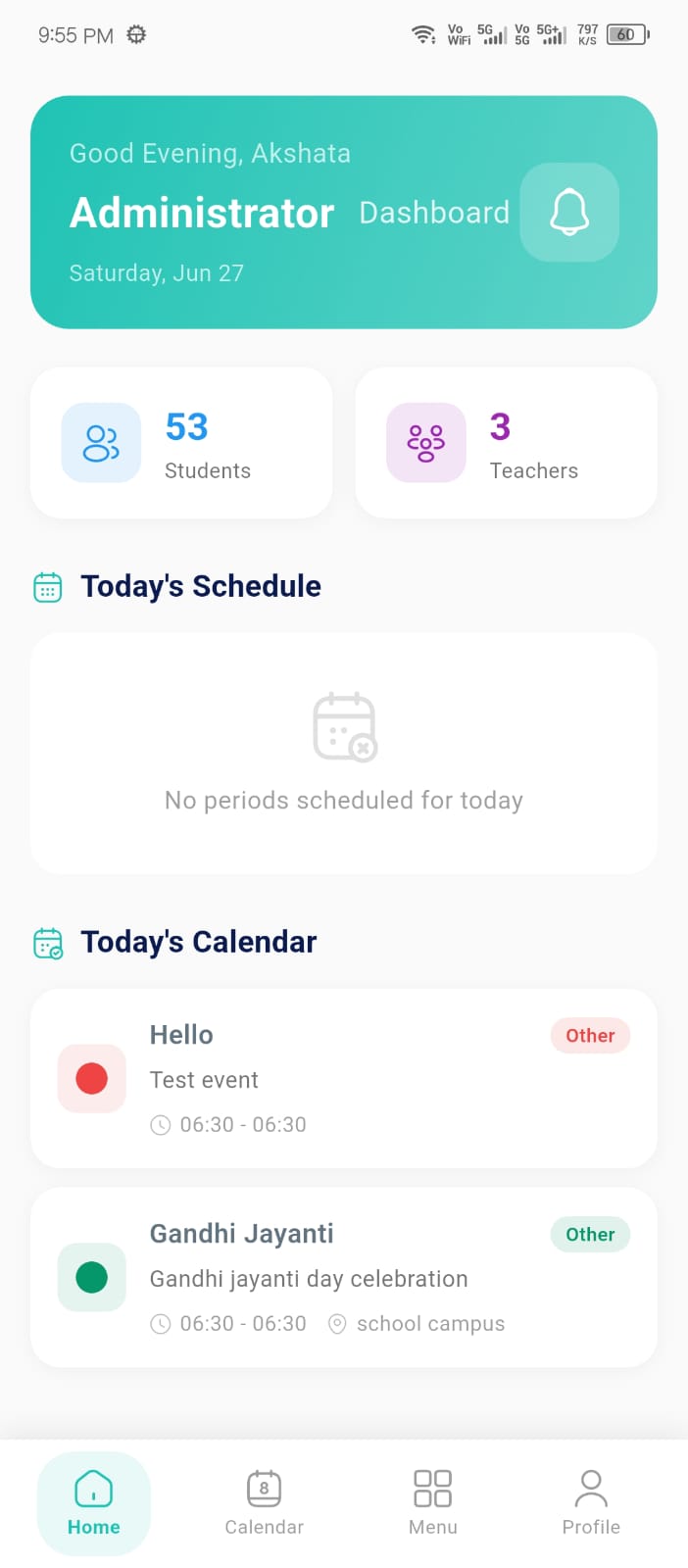
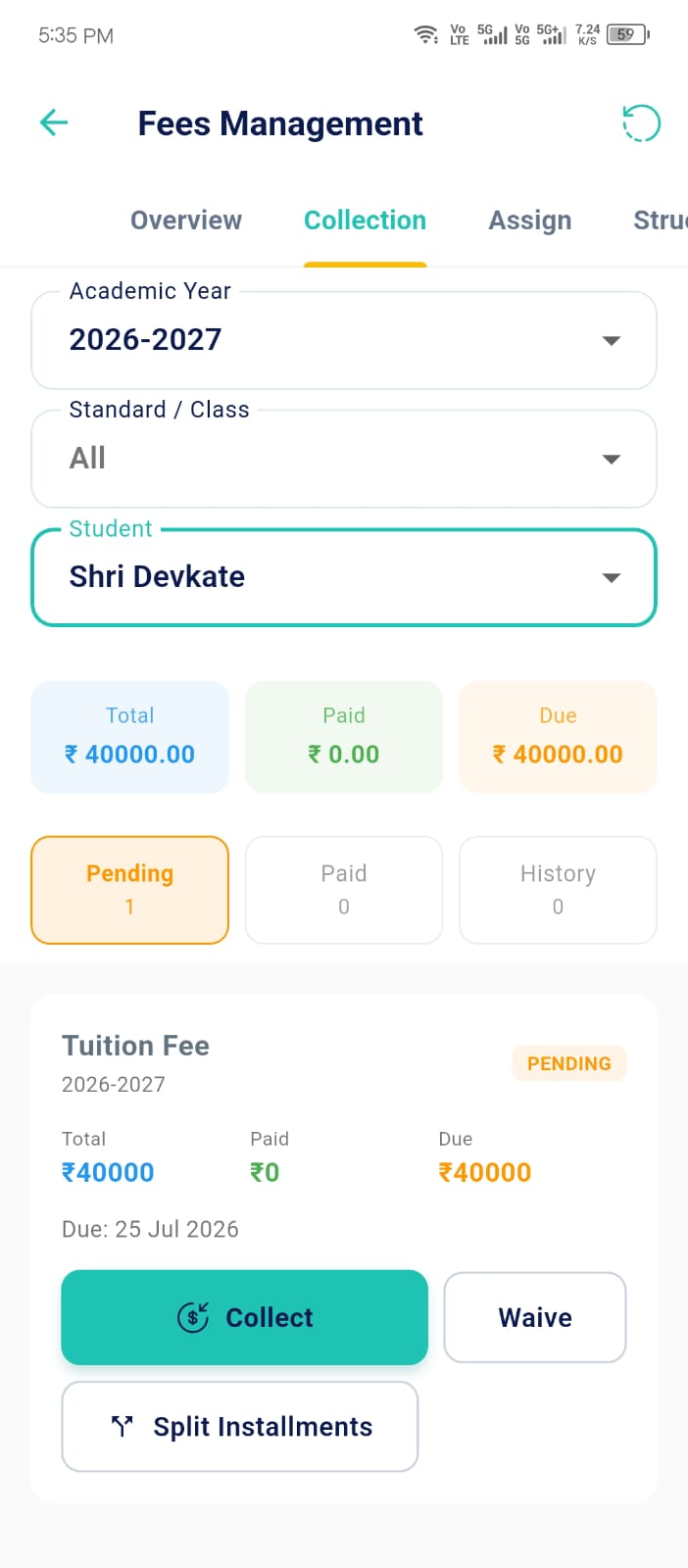
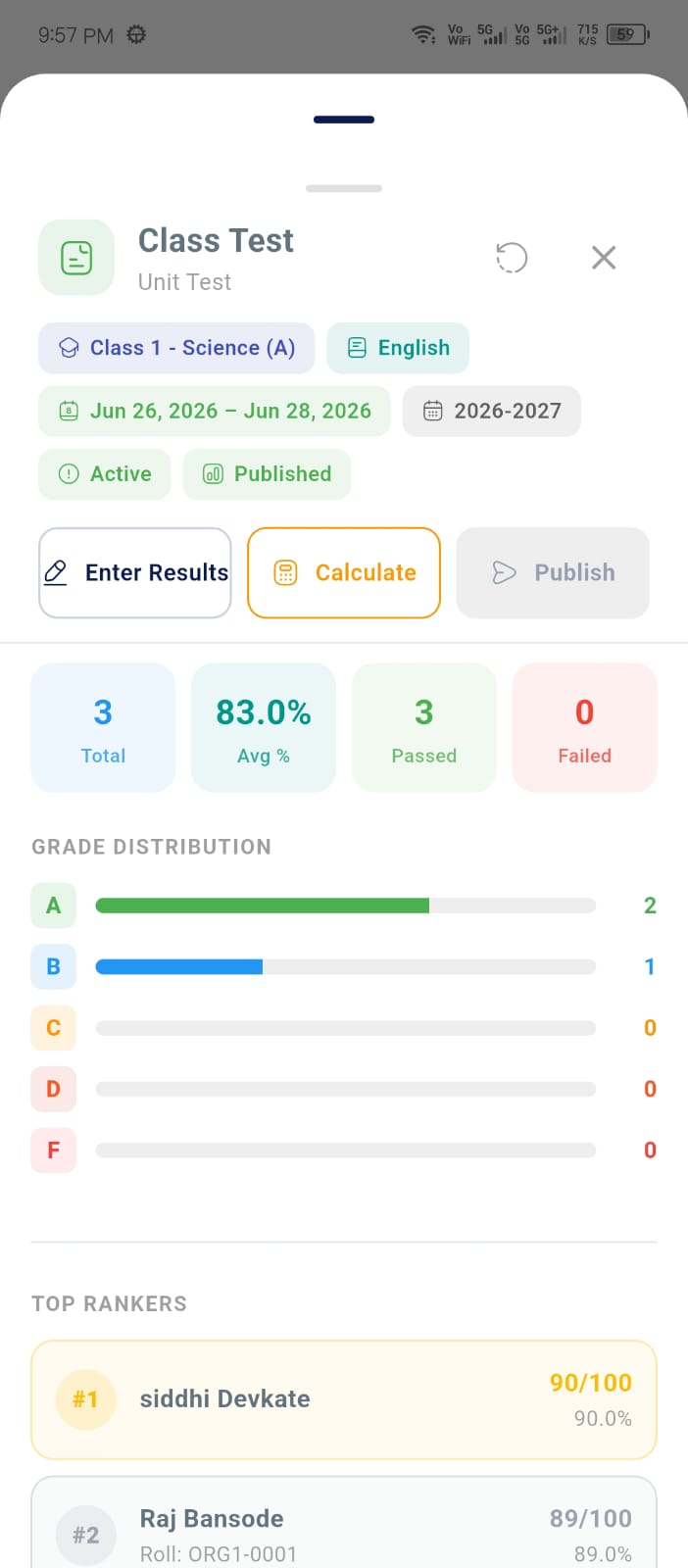
Parents stay connected with every aspect of their child's academic journey. Instant notifications for attendance, digital fee receipts, and homework updates keep them informed 24/7.
Instant class updates
One-tap UPI payments
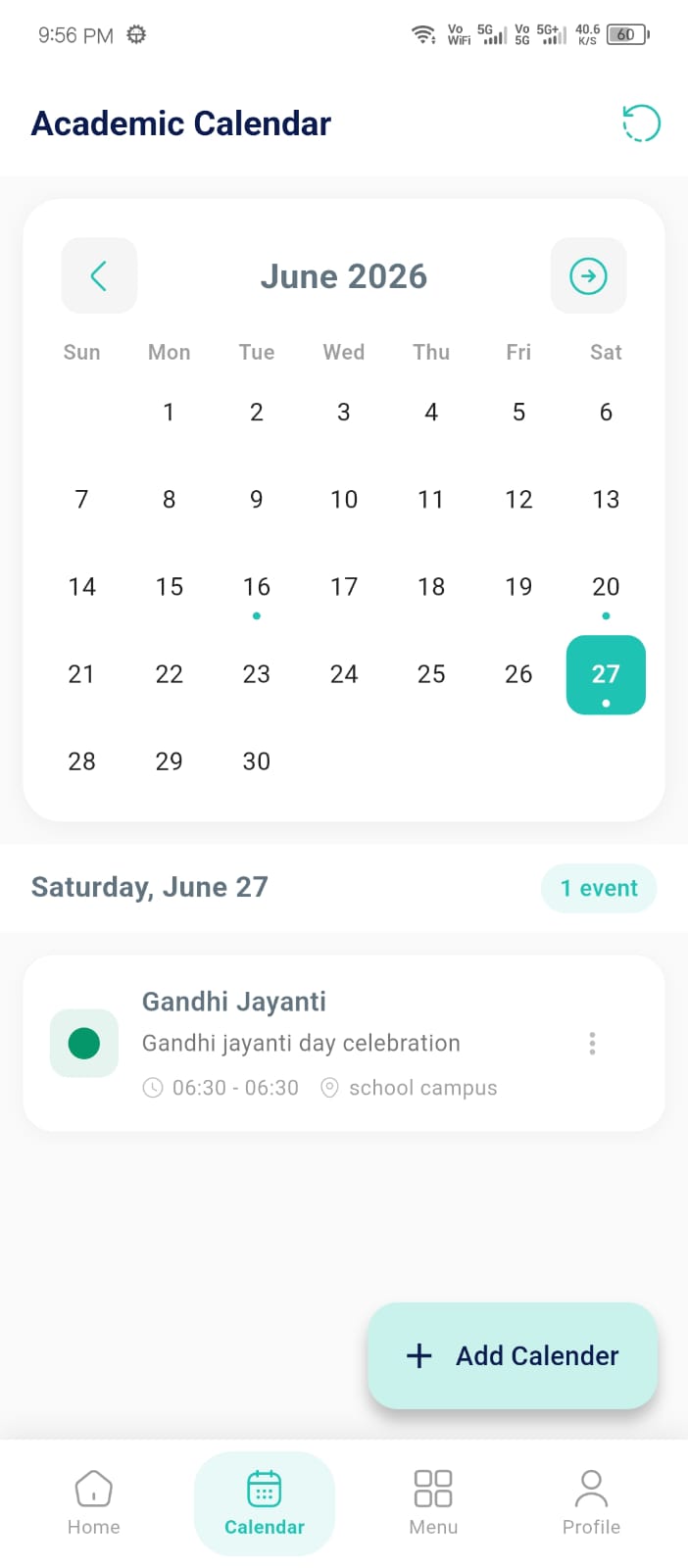
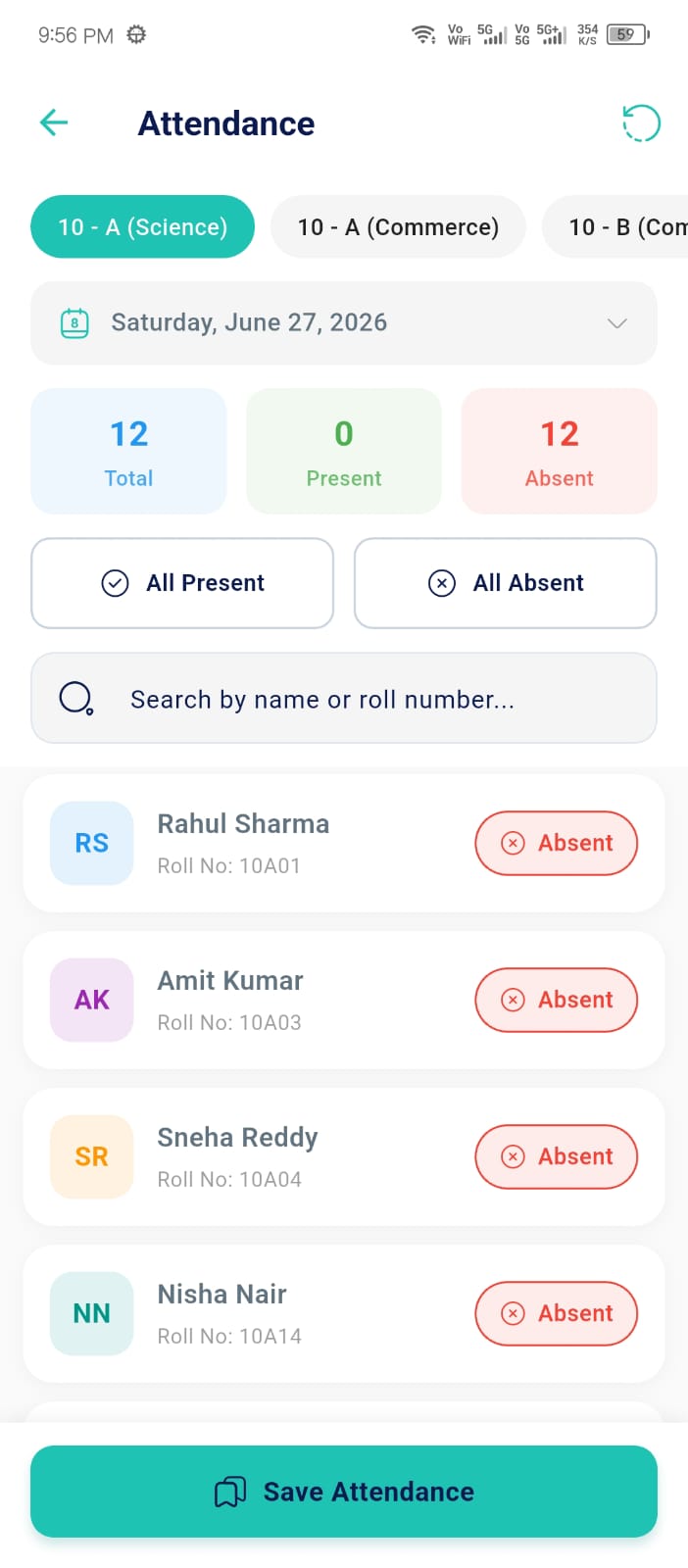
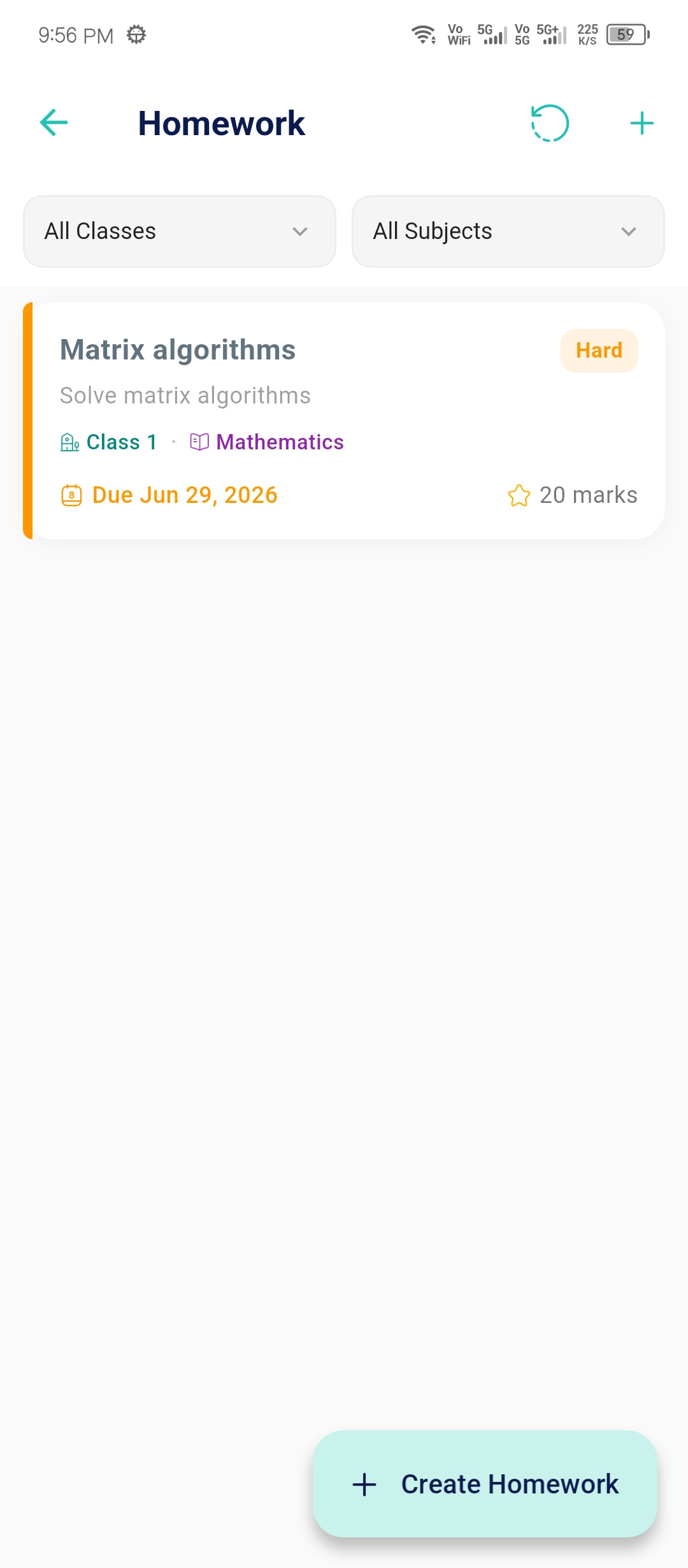
Free teachers from the desk. Mark attendance in seconds, assign homework with photo attachments, and communicate with parents directly through our secure interface.
Bulk student marking
Upload lecture photos
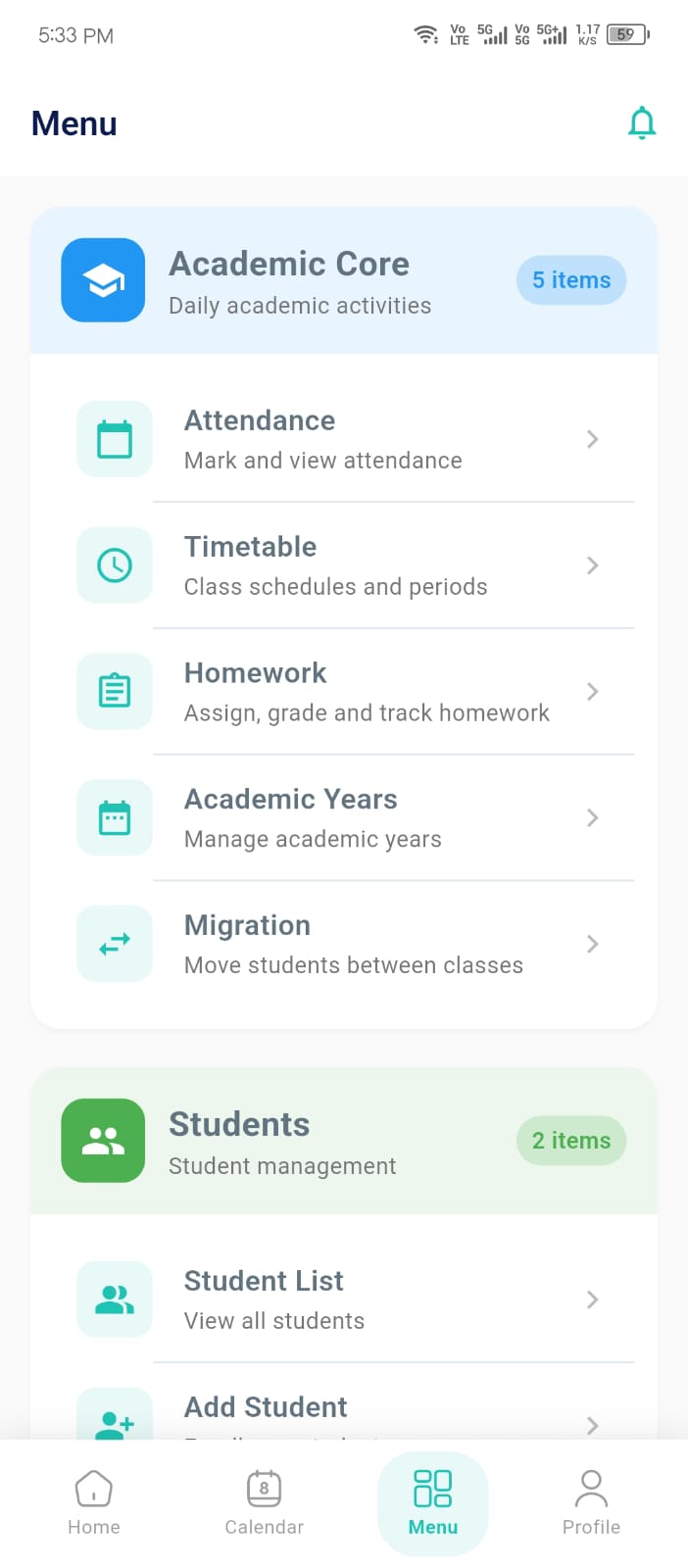
Academic Hub
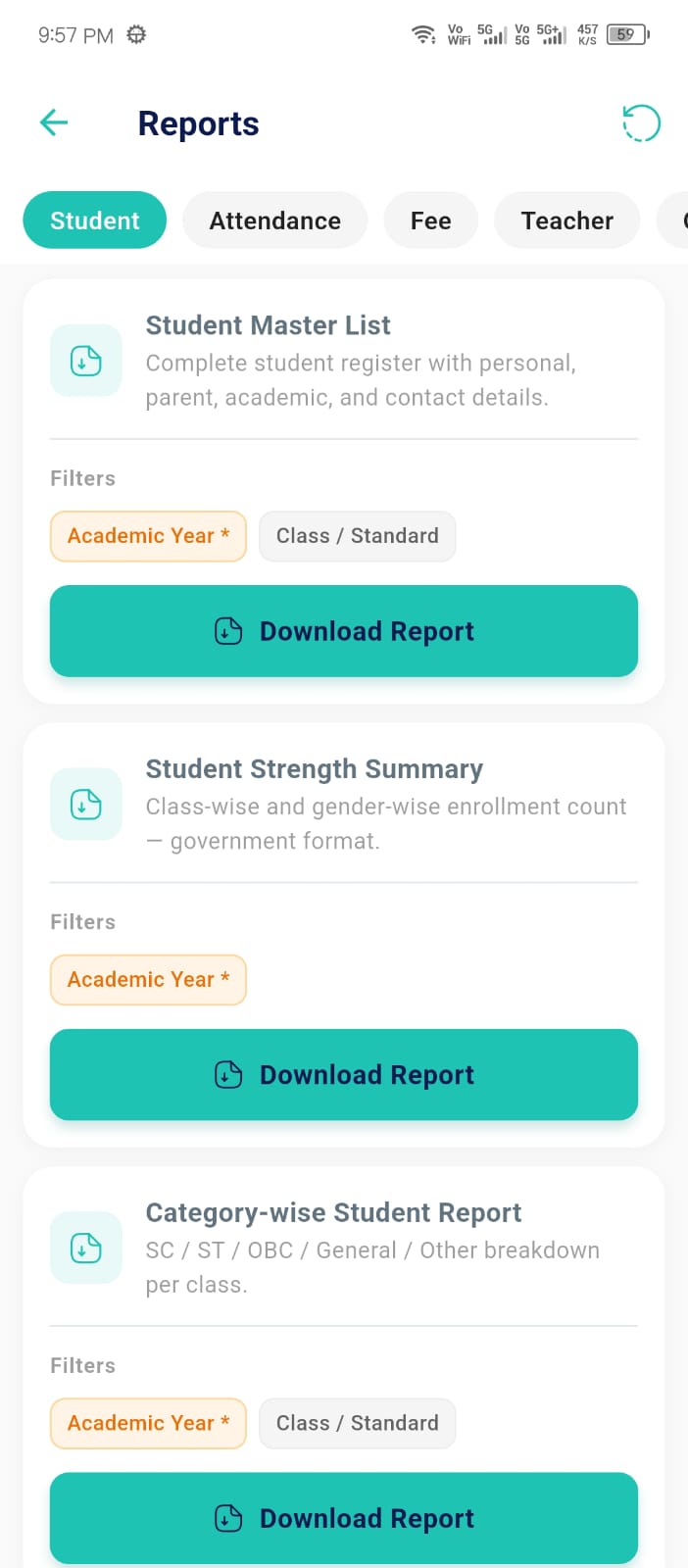
Govt Reports
Multi-Branch
Student SIS
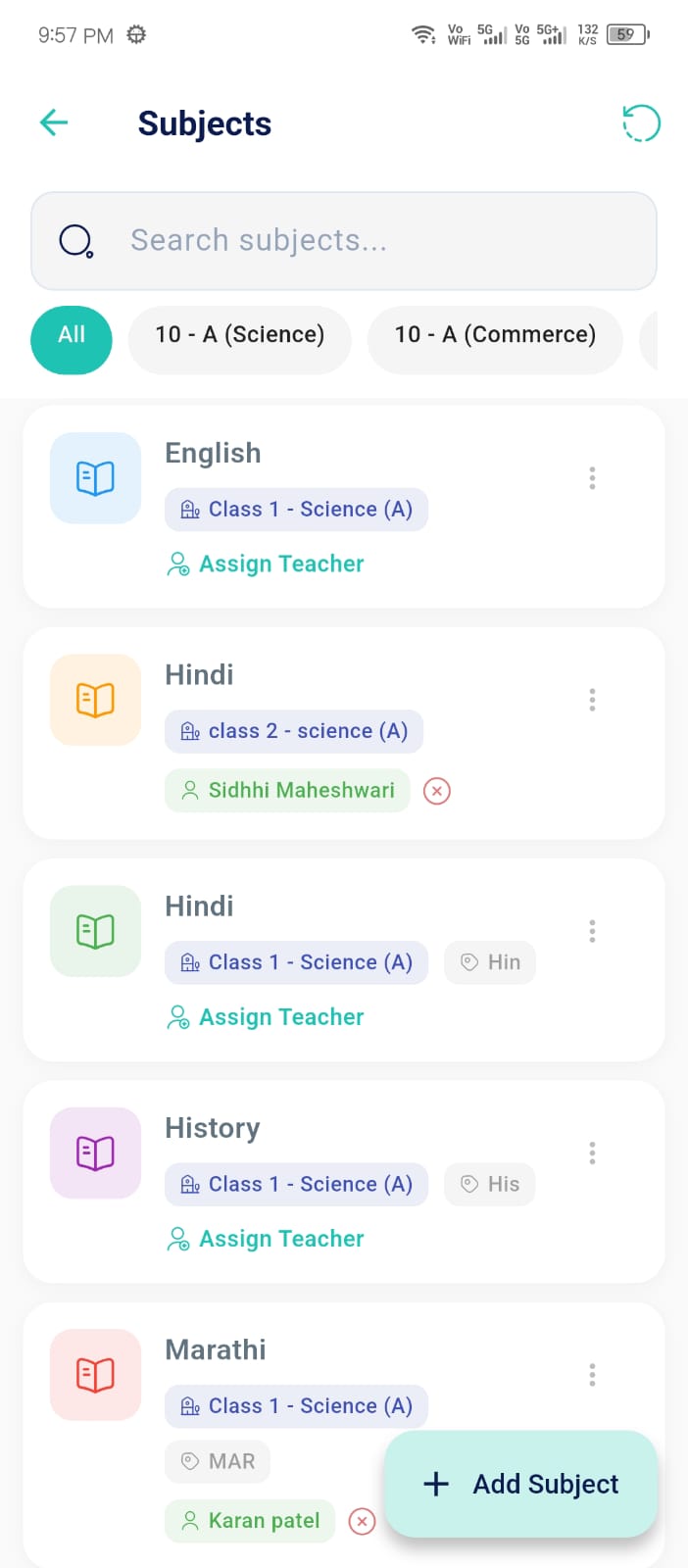
Curriculum
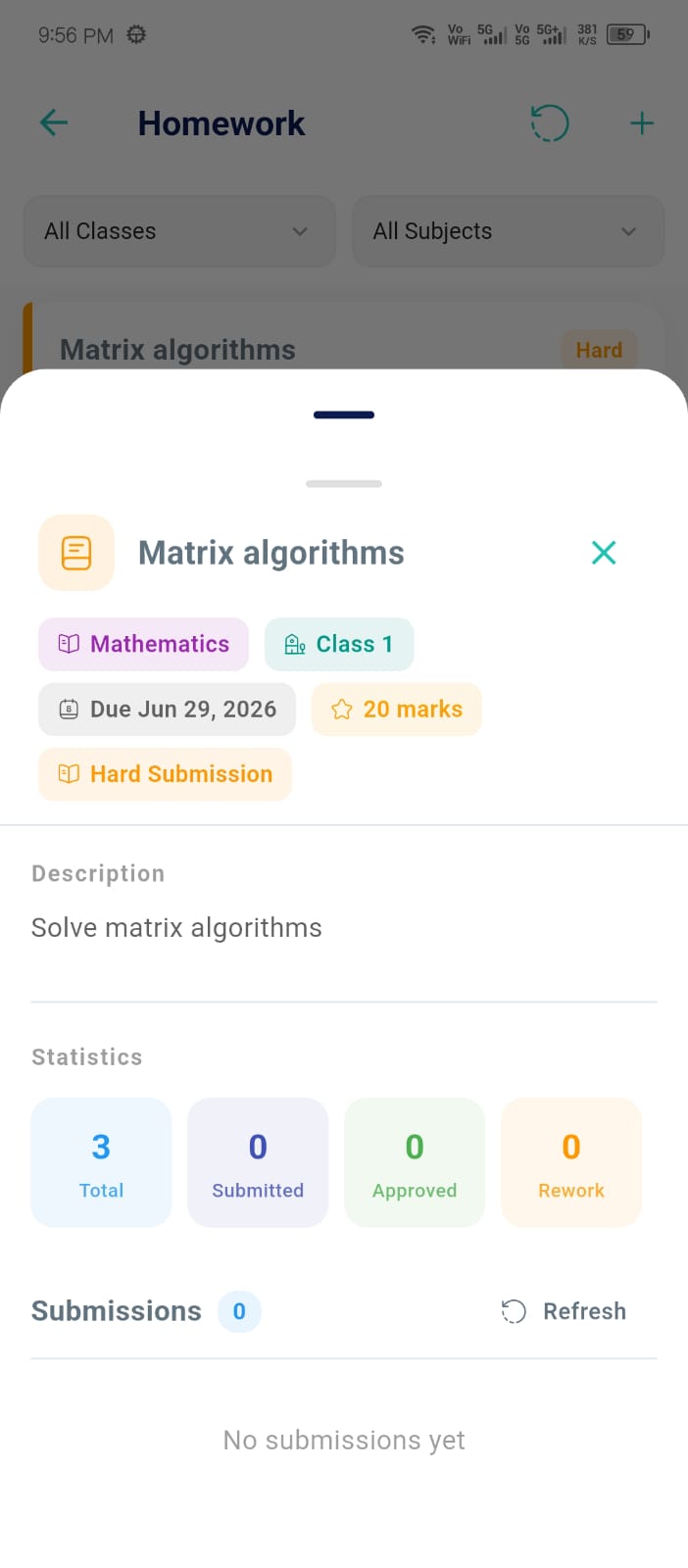
Submissions
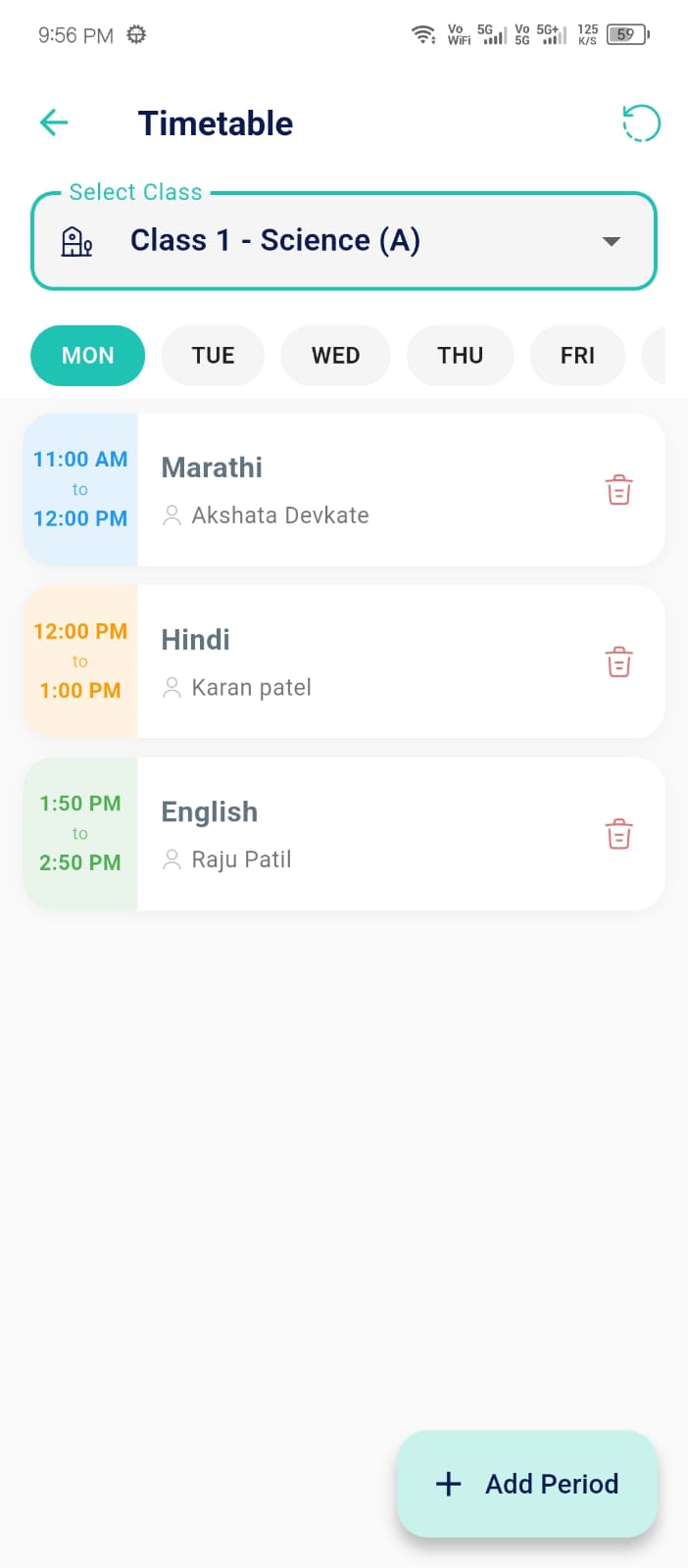
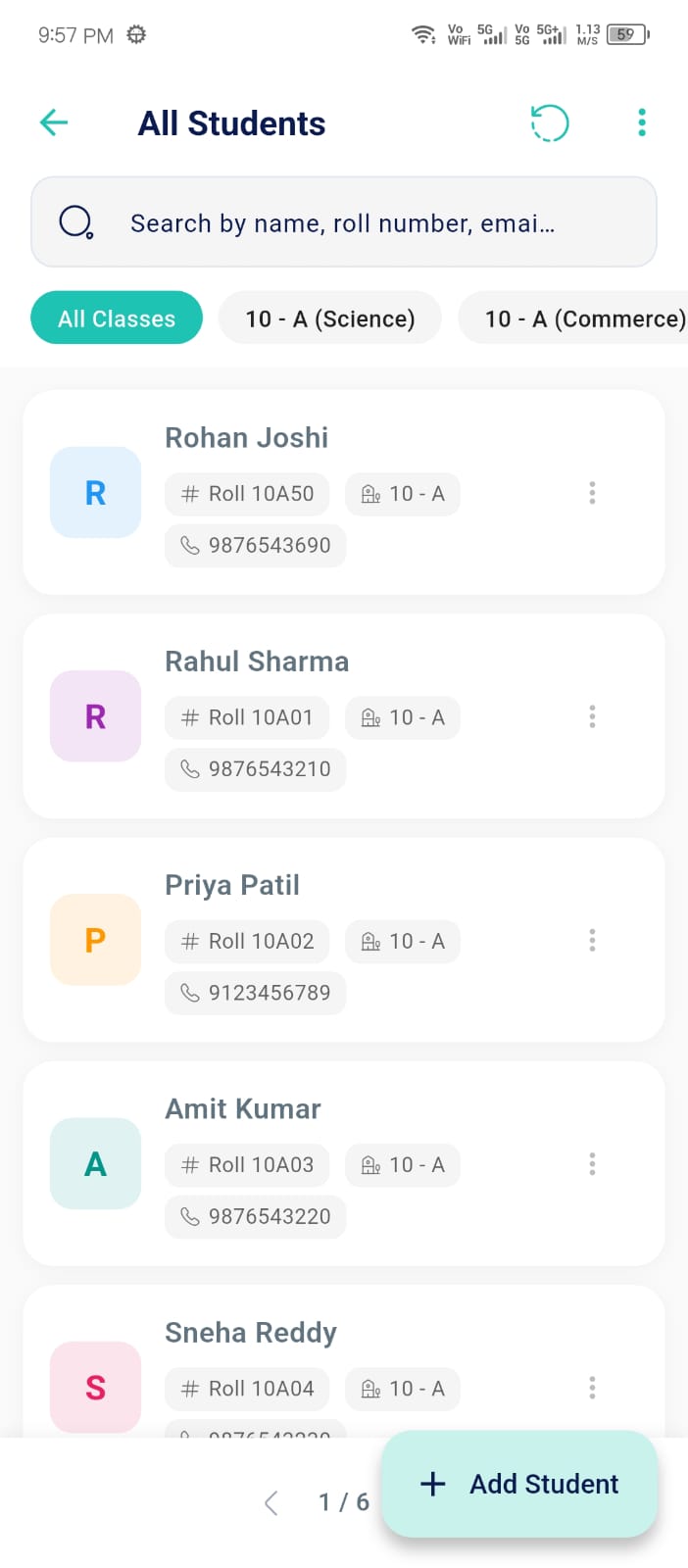
Class Roster
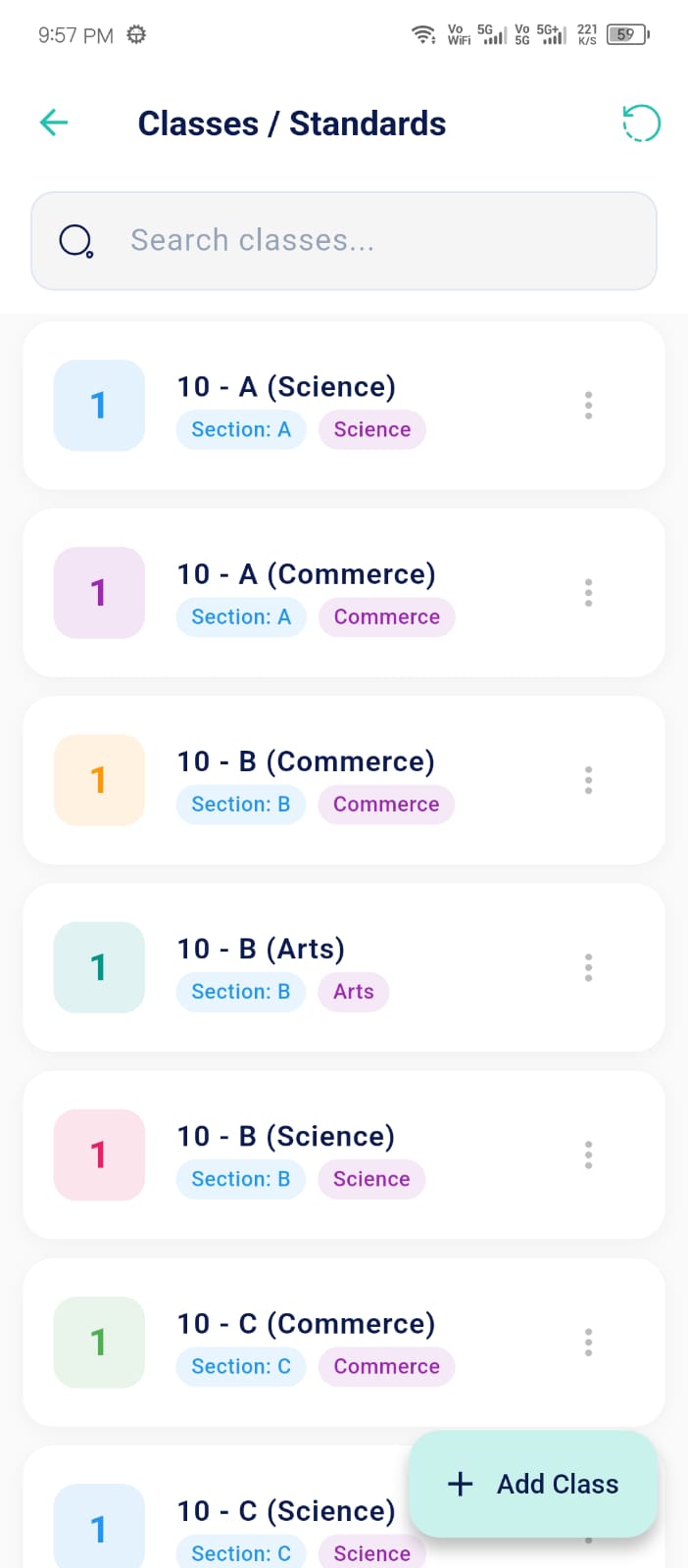
Grade Management
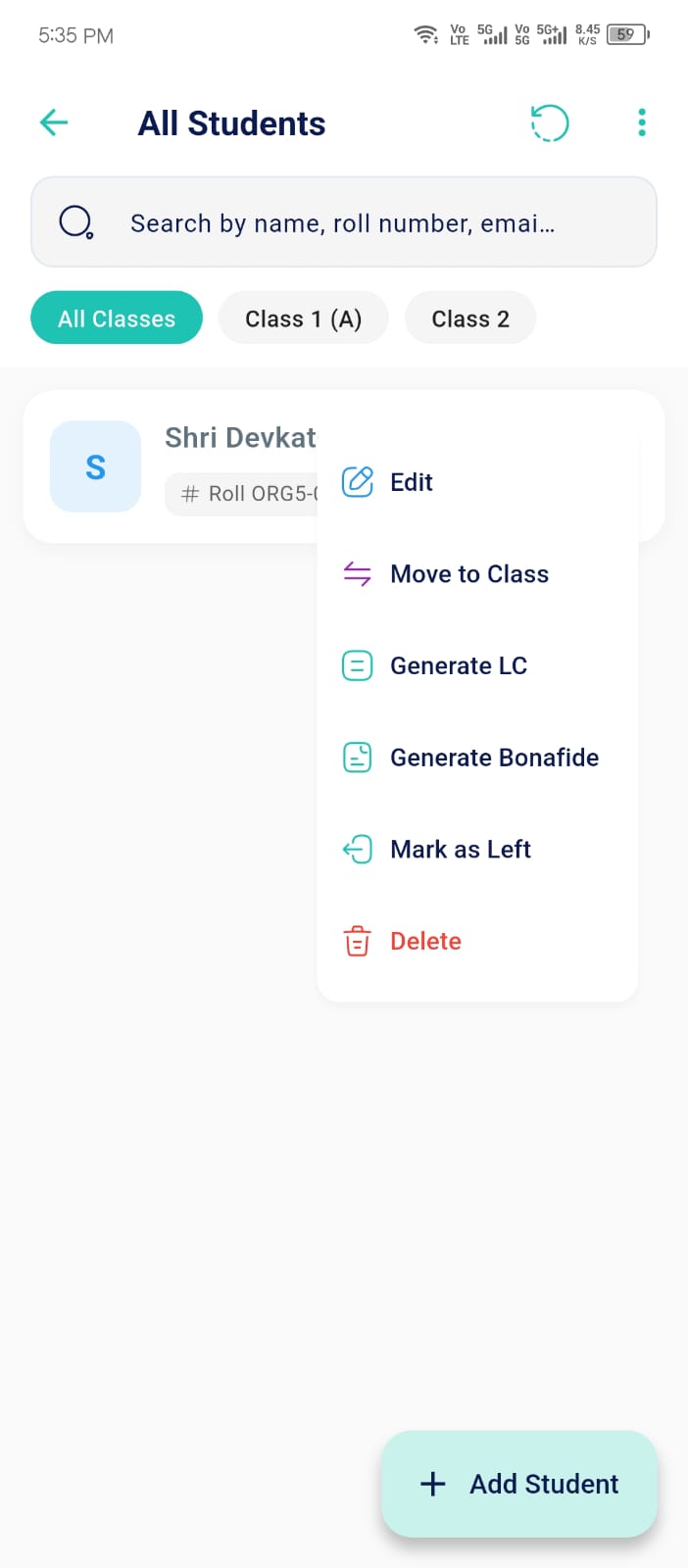
Digital Vault
A parent opens the app at 8 AM to a push alert confirming their child boarded the bus and marked present, then pays a pending term fee via UPI in the same session, as covered in the Mobile Fees feature above. Meanwhile a teacher on the same platform bulk-marks a 40-student class in under a minute using the Attendance tool, then uploads a photo of the day's board work through Media Share. By afternoon, a student checks the Academic Hub to see today's homework and submits a photographed answer sheet before the deadline. Three completely different jobs, one shared app. None of these three people ever had to call the school office, wait for a printed circular, or chase down a paper receipt—the entire loop happened between three phones in a single school day.
Many Indian schools sit in areas where mobile data drops mid-class. The native Android app is engineered so a teacher can still tap through attendance for a full period even on a weak signal—the marks queue locally and sync the moment connectivity returns, rather than failing silently or forcing a page reload. Parents checking the app on a commute get the same resilience: screens they've already loaded, like the Class Roster or Grade Management views, remain readable even if the network briefly disappears. That reliability matters most in the moments it's tested the least—during a monsoon outage, a rural campus with patchy 4G, or a crowded exam hall where dozens of devices are competing for the same tower.
The Push Alerts shown earlier aren't a generic broadcast list—they're scoped by role and relevance. A parent gets attendance, fee due-dates, homework assignments, and exam result publishing. A teacher gets timetable changes and admin circulars. Nobody receives every notification meant for every user type, which is precisely why schools running Ellifo see meaningfully higher open rates than the blanket SMS blasts most legacy systems rely on. A parent who mutes a generic school-wide broadcast list is far less likely to mute a targeted alert that says their own child's fee is due tomorrow, which is the entire point of scoping notifications by role in the first place.
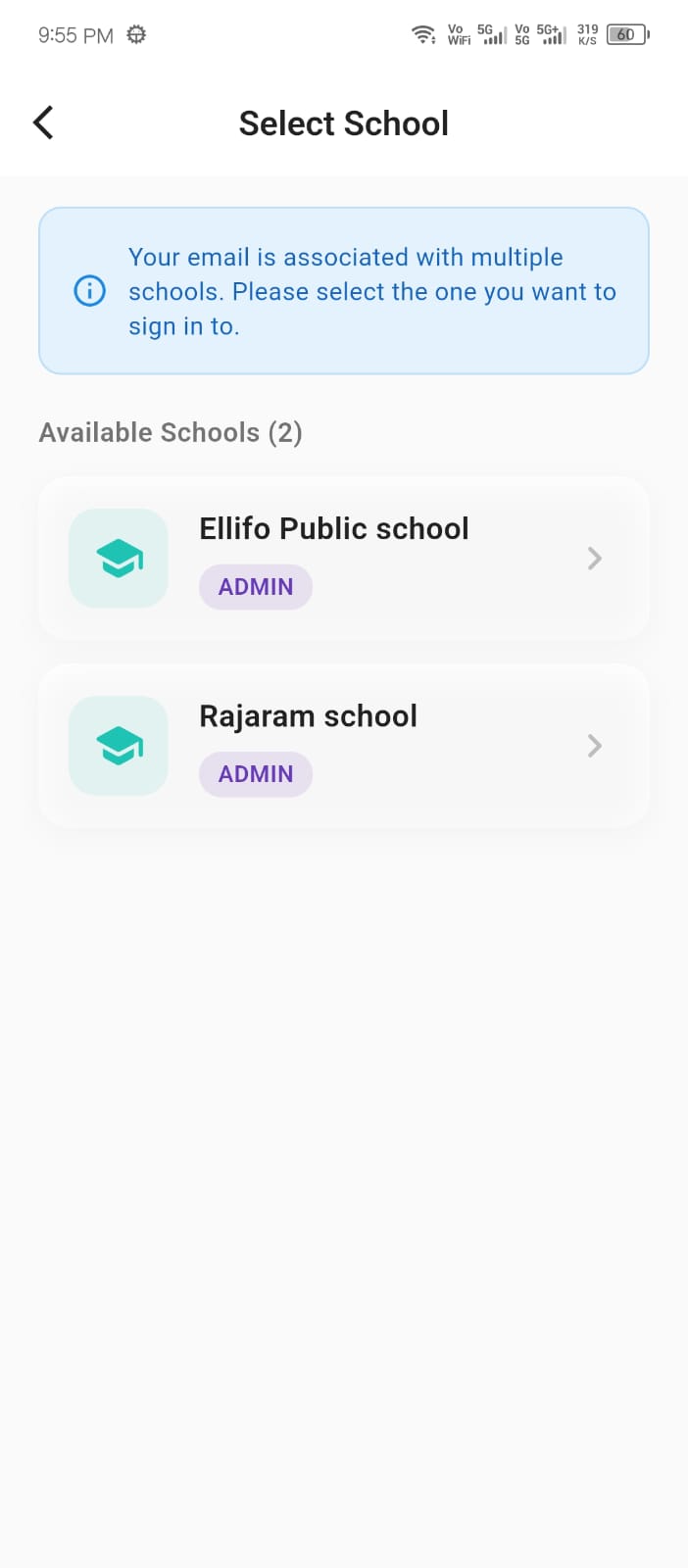
Rather than shipping three separate apps to maintain, Ellifo detects the logged-in role and reshapes the interface accordingly: parents see fee ledgers and their child's Digital Vault documents, teachers see class rosters and submission trackers, and students see their own homework and exam schedule. Multi-Branch families with children at different campuses—referenced in the Multi-Organization screen above—can switch between them without logging out. This role-aware design also means a single household update, like a change of address in the Student SIS, is visible to the parent, the class teacher, and the front office simultaneously, instead of needing to be communicated three separate times through three separate channels.
Today the app is a native, high-performance Android build, since the vast majority of parents and staff at our partner schools use Android devices. An iOS release is on our roadmap for future rollout.
Previously loaded screens stay viewable offline, and actions like attendance marking queue locally and sync automatically once a connection returns, so a temporary signal drop never loses a teacher's work.
Yes. Sibling accounts are automatically linked, and parents with children on different campuses can switch between them from the same login without needing separate app installs.
The app is lightweight by design, well under 30MB installed, and built to run smoothly on entry-level Android devices common among parents and support staff, not just flagship phones.
Enterprise plan institutions can request a white-labeled build published under their own school name and icon on the Play Store, while Starter and Professional tiers use the shared Ellifo app.
Critical alerts like fee due-dates and attendance can also fall back to SMS, so families without a smartphone still receive the information without being excluded from the notification system.